Power tip
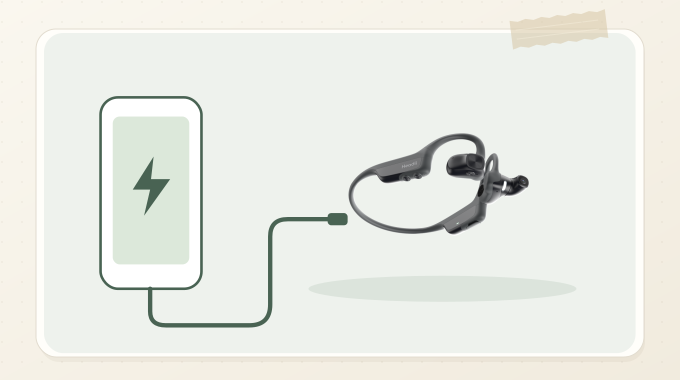
No charger nearby? Use the included cable.
When Headii is low on power, use the included cable with a compatible USB-C power source. A phone or tablet must support powering another device through USB-C.
1
Plug one end of the included cable into Headii.
2
Plug the other end into a compatible USB-C power source. A phone or tablet must support USB-C power output.
3
Check the status light: solid red means charging, and solid green means fully charged.
If charging does not start
Some phones and other USB-C devices do not output power to another device. Unplug and try a power bank or computer instead.
Good to know
This is emergency power, not a charging-speed promise. Stop if the cable or either port becomes hot, wet, or damaged.