Quick Guide · Capture
Record a video
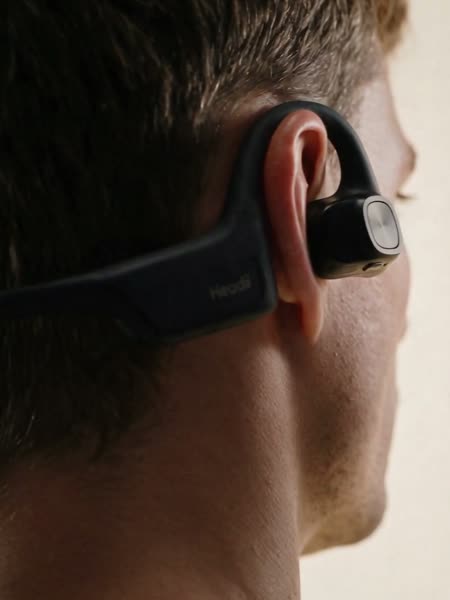
Hold the Camera Button for 2 seconds to start recording. You can then release it.
Hold the Camera Button for 2 seconds, then release it. The capture light pulses while video recording is in progress.
Press the Camera Button again. Recording stops and the capture light turns off as soon as you press it.
Your video is saved on Headii. Move it to your phone to watch it.
Record for up to 20 minutes
Connect Headii to power and keep it charging. In the app, go to Settings → Camera Preferences → Video Length and choose 20 minutes.
The 20-minute option is unavailable when Headii isn’t charging.
Recording ends automatically when it reaches the video length set for Headii. If it stopped earlier, check for an incoming call, a closed camera, or a device warning. An incoming call ends the recording. It does not restart after the call.