Quick Guide · Device care
Factory reset
When to factory reset
Factory reset Headii before setting it up with a different account, or when Headii Support asks you to. For everyday connection issues, try restarting Headii first.
Before resetting Headii, transfer any photos, videos, audio recordings, and other files you want to keep to your phone. A factory reset deletes files stored on Headii and clears its pairing and Wi-Fi information.
Hold all three together
8 seconds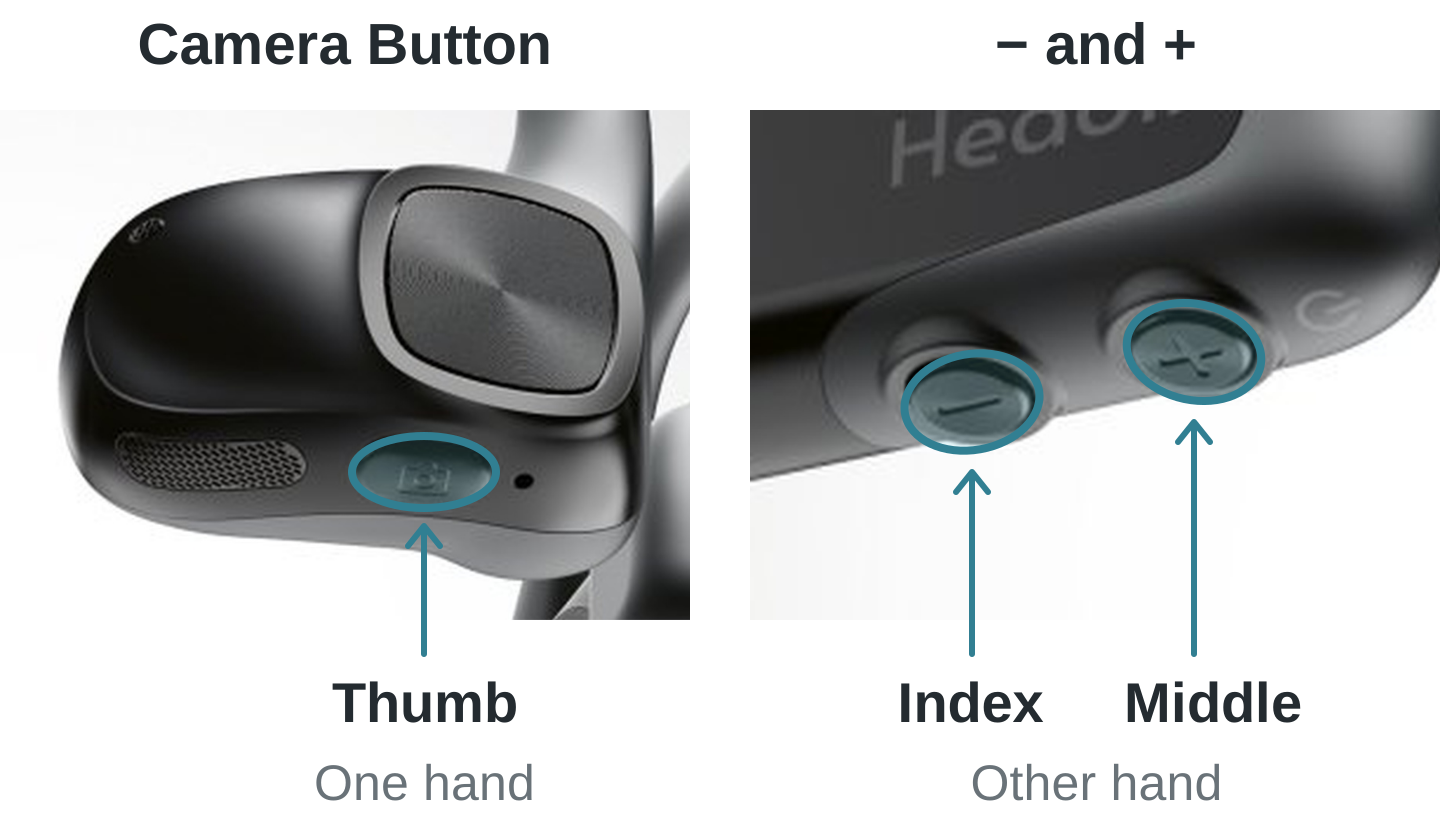
Keep all three pressed at the same time.
Watch the hand position
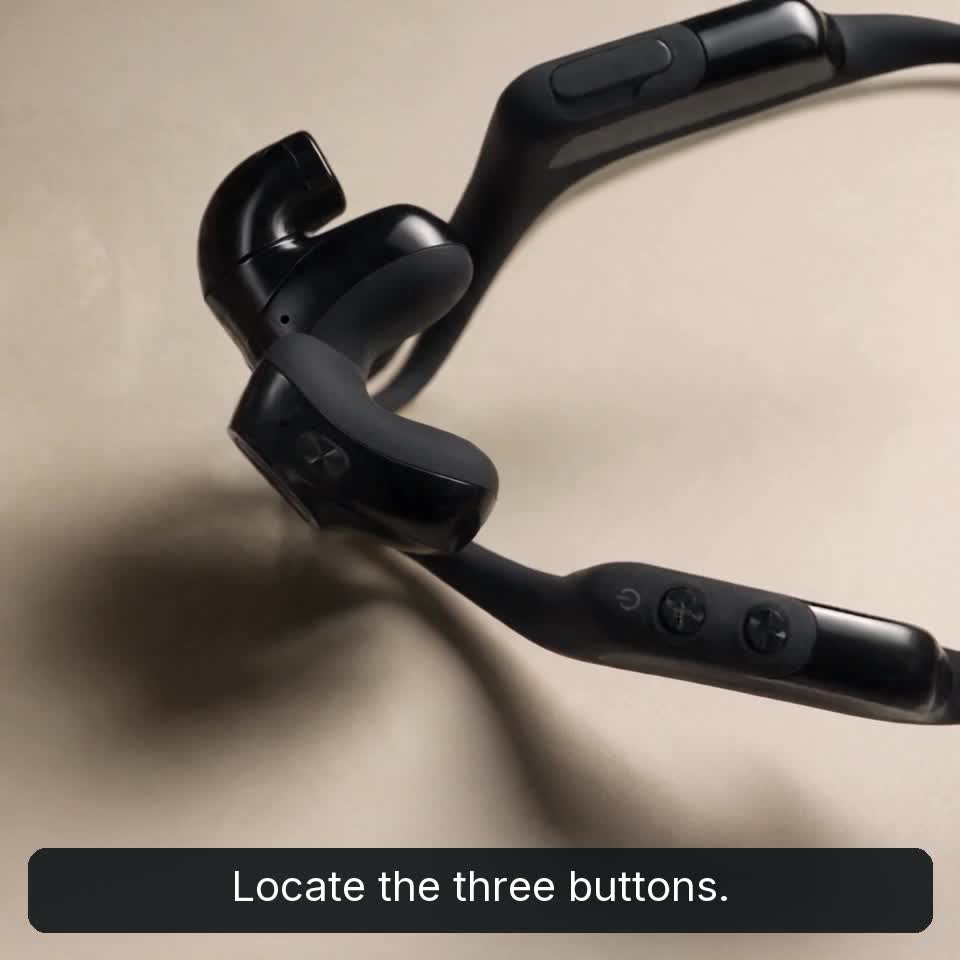
1
Press and hold all three buttons
Hold the Camera Button, +, and − together for 8 seconds. The light alternates red and blue while the reset is in progress.
Resetting is performed on the device. Opening this guide does not reset or unpair it.